Competitor research
Know who you're up against.Find the competitors that matter for each service.
Find nearby competitors for your services and see where your profile can improve.See the businesses competing for your services in your market. Compare useful profile and visibility signals, then focus on the gaps your team can act on.
Why it matters
Competitive intelligence starts with the service customers are actually choosing.
Define the business, offering, and market first, then research relevant Google businesses instead of relying on a generic competitor list.
- A broad category can hide the businesses that actually compete for a specific high-value service in the market you serve.
- Service-area businesses can keep their real Google identity while centering research on an appropriate service city.
- AI helps classify and select from real Google candidates; it does not invent competitor businesses or turn list order into a claimed Google ranking.
Workflow
Move from a real service question to a focused nearby-market analysis.
Keep the managed business anchored to its actual Google identity, select the service and market, and review filtered real-world candidates.
Anchor the real business
Use the managed business's actual Google identity, categories, services, and storefront or service-area context.
Choose the service and market
Select the category, specific service, radius, and market center that define the competitive question.
Review real nearby candidates
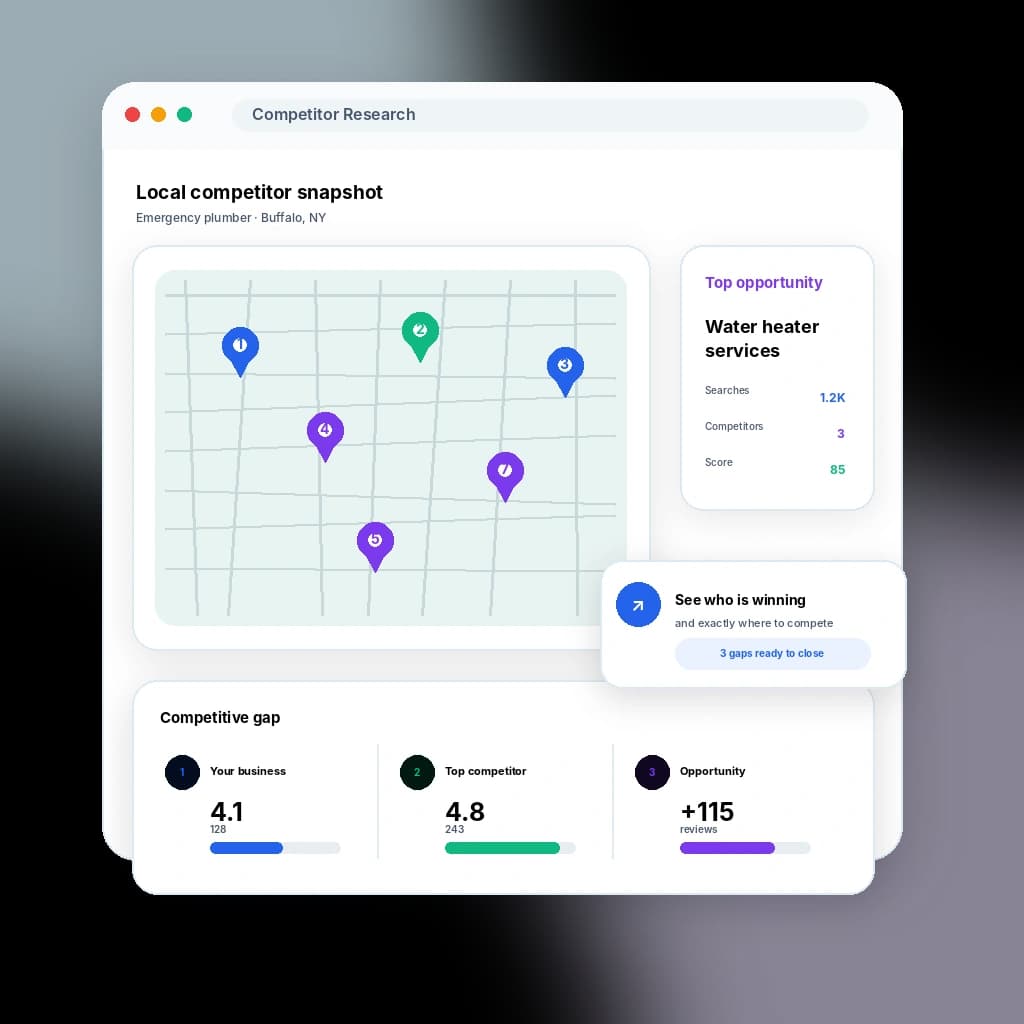
Inspect the relevant nearby businesses, save the analysis, and compare it with heatmap competitors when geographic visibility matters.
Product view
Use two competitor views without pretending they answer the same question.
FAQ
Questions about local competitor intelligence.
How does GBP Rank AI know who my competitors are?
How is this different from heatmap competitors?
Is the saved list Google's number-one-through-number-eight ranking?
Does it work for a service-area business?
Related capabilities
Connect competitor insight to heatmaps, reporting, and action.
Ready when you are
Put competitor research to work for your location.
Try it free for 30 days. We'll help you connect your Google profile and get started. No credit card needed.